
How do I update my notification preferences?
Edited
You can manage your notification preferences directly in the WeMoney app:
Open the WeMoney app
Go to Settings
Tap Notifications
Select the category you want to manage (Budget, Community, Credit score, Debt tracker, Generic, Net worth, Payday, Recurring expenses, or Transactions)
Toggle on or off the specific notifications you want to receive
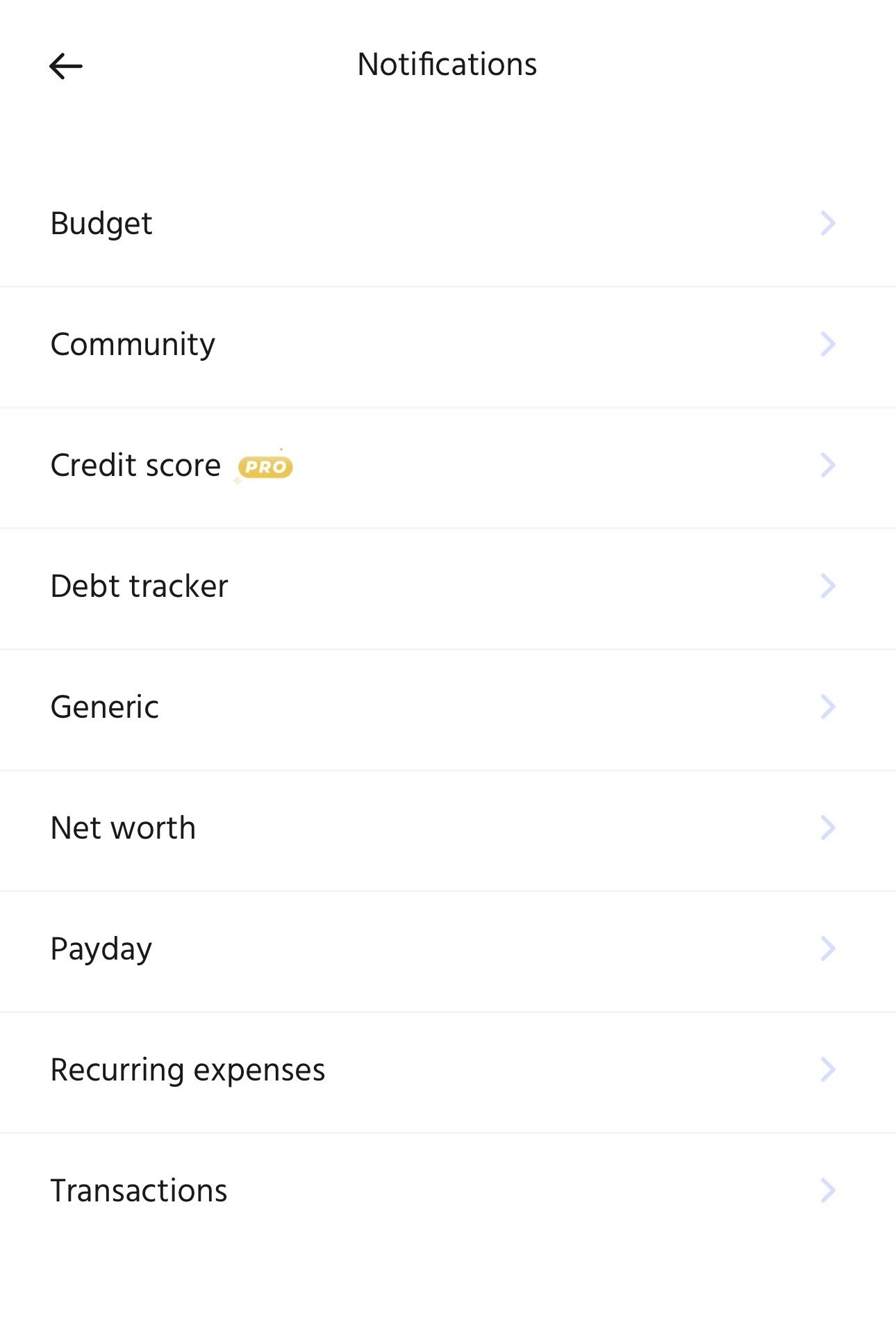
You can customise notifications for each feature based on what's most useful for you.
Was this article helpful?
Sorry about that! Care to tell us more?